Manage and invite clients
For: Trainer
This is where you keep track of who your clients are: invite a new one by email, remove one when you've wrapped up, and jump straight to a client's goals, stats or plans in one click.
Before you start
- How to get here: Settings page → "Manage clients" section (badge: "Trainers only").
- A pairing goes live once the client approves the invitation from their email.
Steps
Open the management dialog. On the Settings page, in the "Manage clients" section, hit the "Manage clients" button. Right at the top of the dialog you'll see the "Your current clients (…)" list — everyone you're working with.
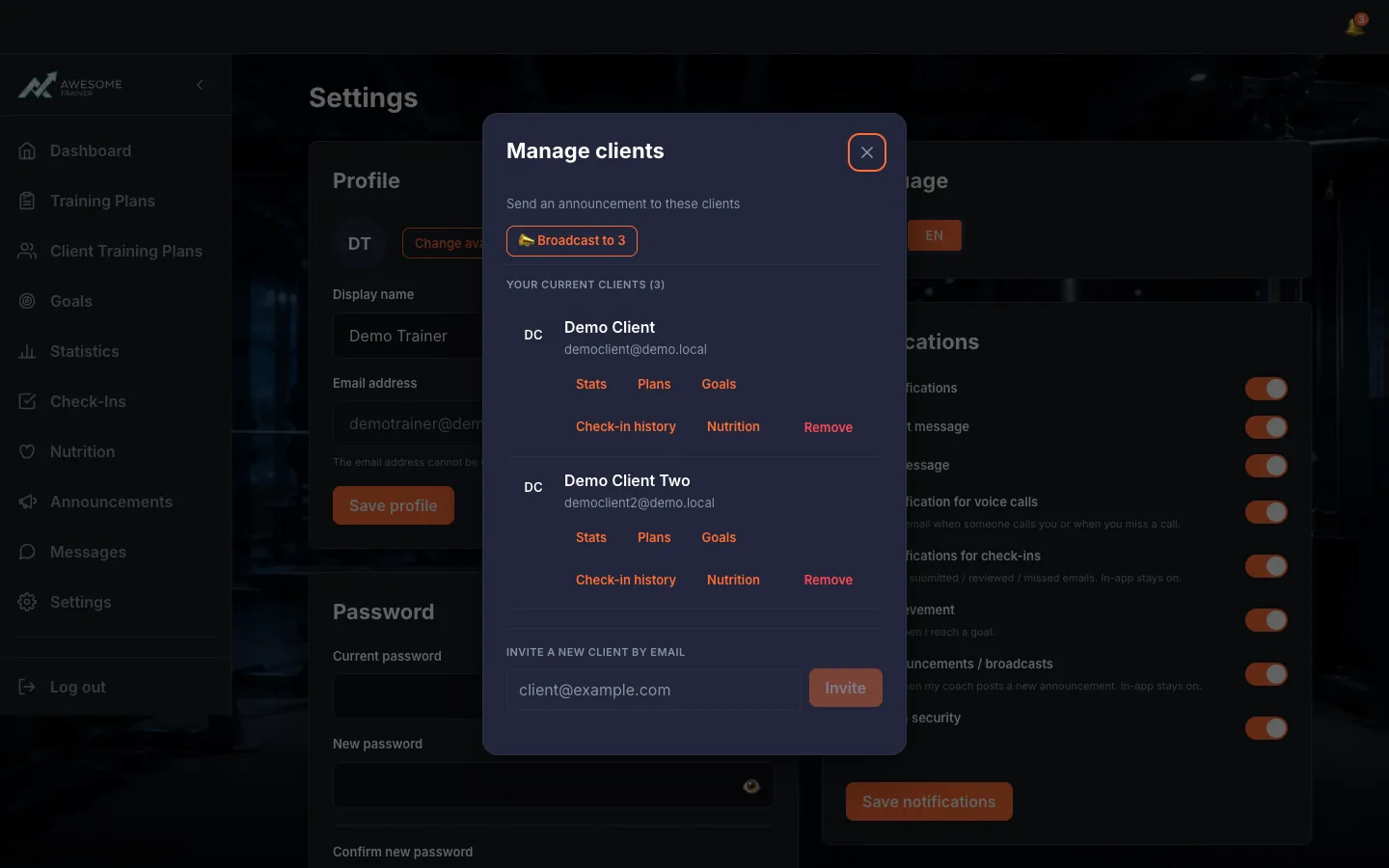
Jump to a client's data. Every client row has a row of quick links: "Check-in history", "Goals", "Stats", "Plans", "Nutrition". One click and you're right there in that client's data.
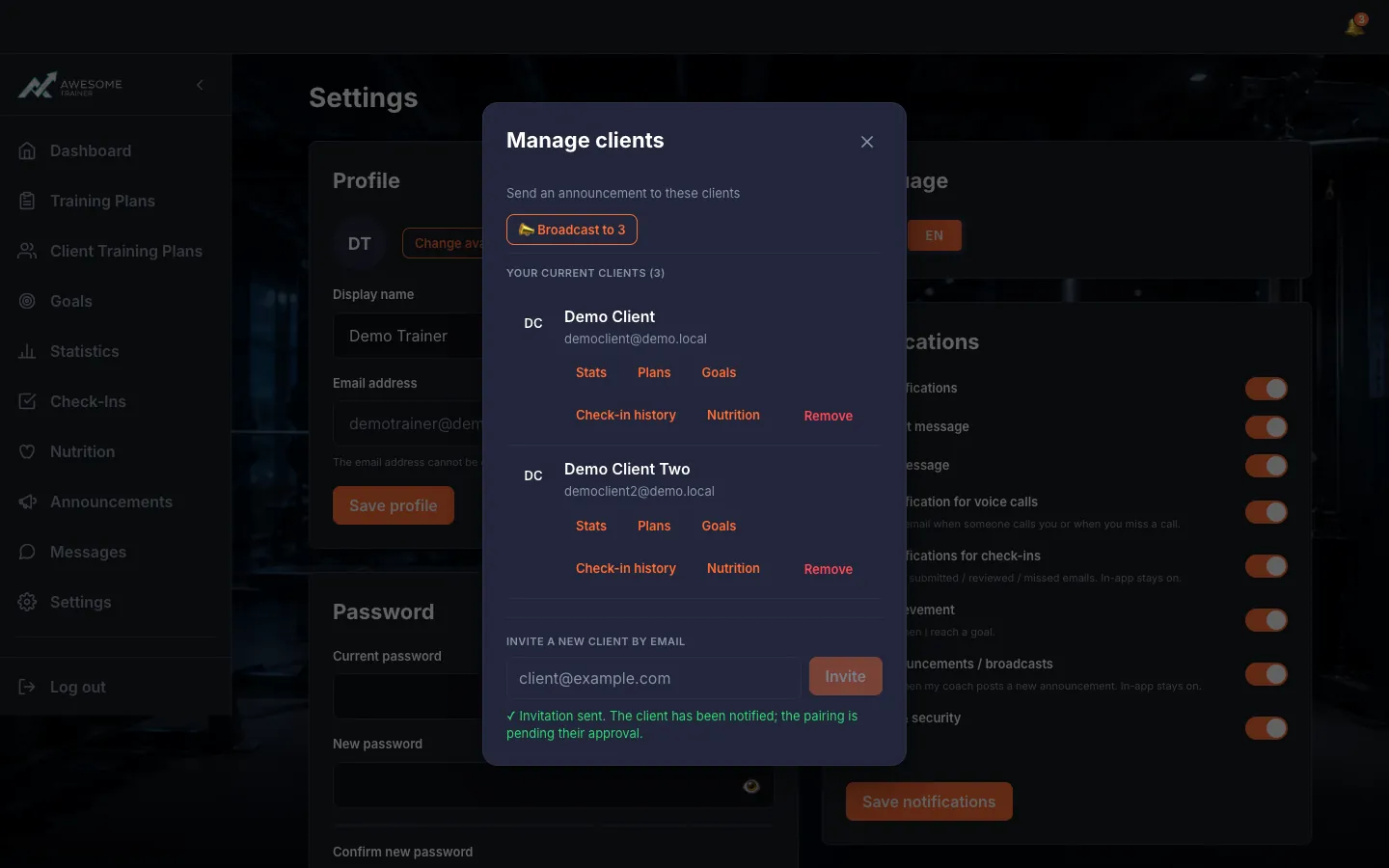
Invite a new client by email. Type the address into "Invite a new client by email" and press "Invite". If it goes through: "Invitation sent. The client has been notified; the pairing is pending their approval." From then on you'll see the pending pairing on your side.
Tips
Until the client approves the invitation, the pairing stays pending — feel free to check back later.
Troubleshooting
| Symptom | Cause | Fix |
|---|---|---|
| "Could not load your clients. Please try again." | A temporary network or load hiccup. | Reload the list — it usually clears up on the next try. |
| "Enter a valid email address." / "This email address can't be invited right now…" / "This person is already your client." | The address is wrong, not invitable right now, or the person is already your client. | Double-check and fix the address; if they're already a client, look for their name in the list. |