Sign in
For: Everyone
How to sign in to AweSome Trainer with your username or email address.
Before you start
- Entry point: the login screen at /login.
Steps
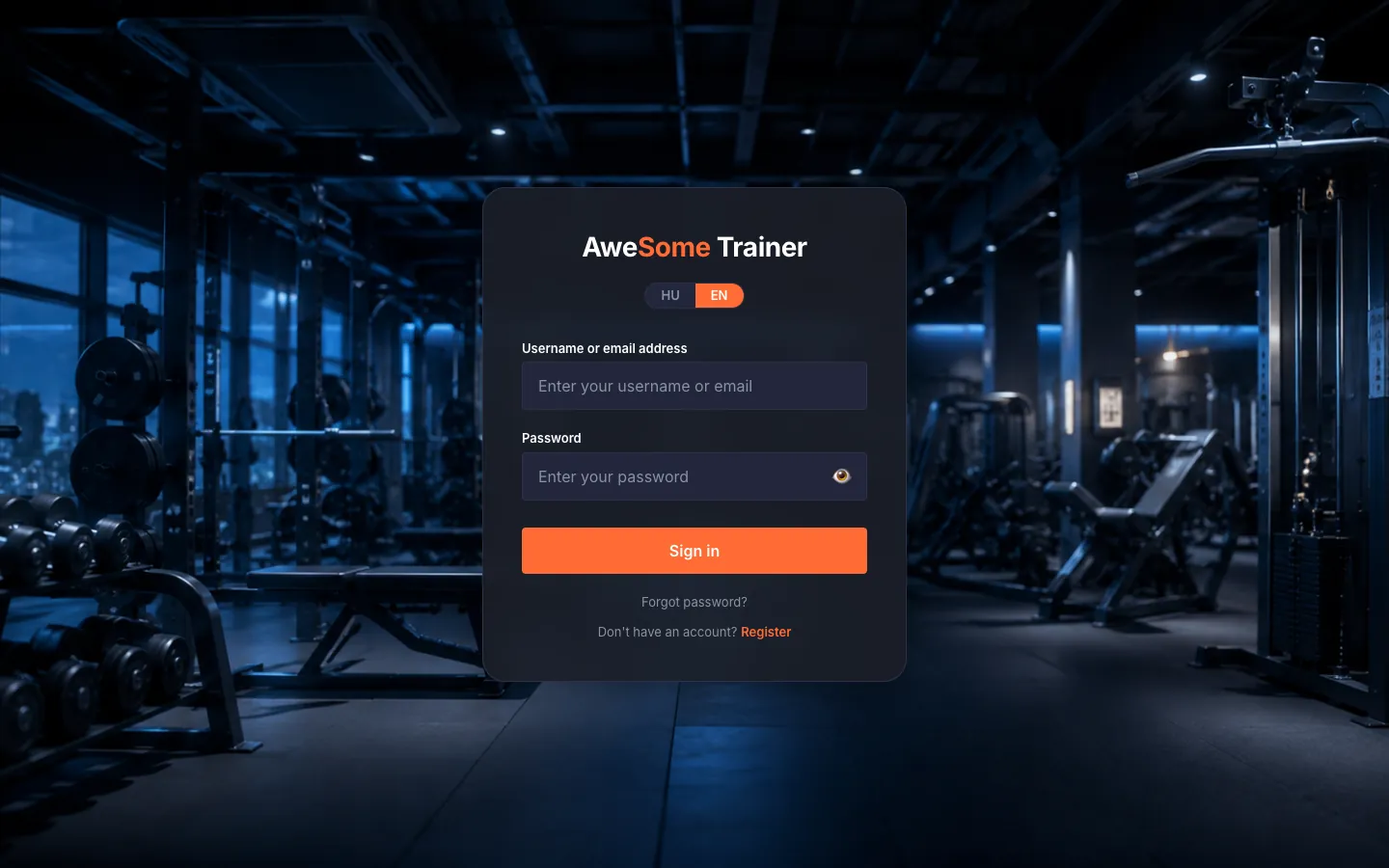
Sign in. Type your "Username or email address" and "Password", then click "Sign in". Use the eye icon at the end of the password field to peek at what you typed if you're unsure. If you were sent a link to a protected page earlier, we'll take you straight there after you sign in.
Tips
If you're already signed in, /login takes you straight to your dashboard — no need to type anything again.
Troubleshooting
| Symptom | Cause | Fix |
|---|---|---|
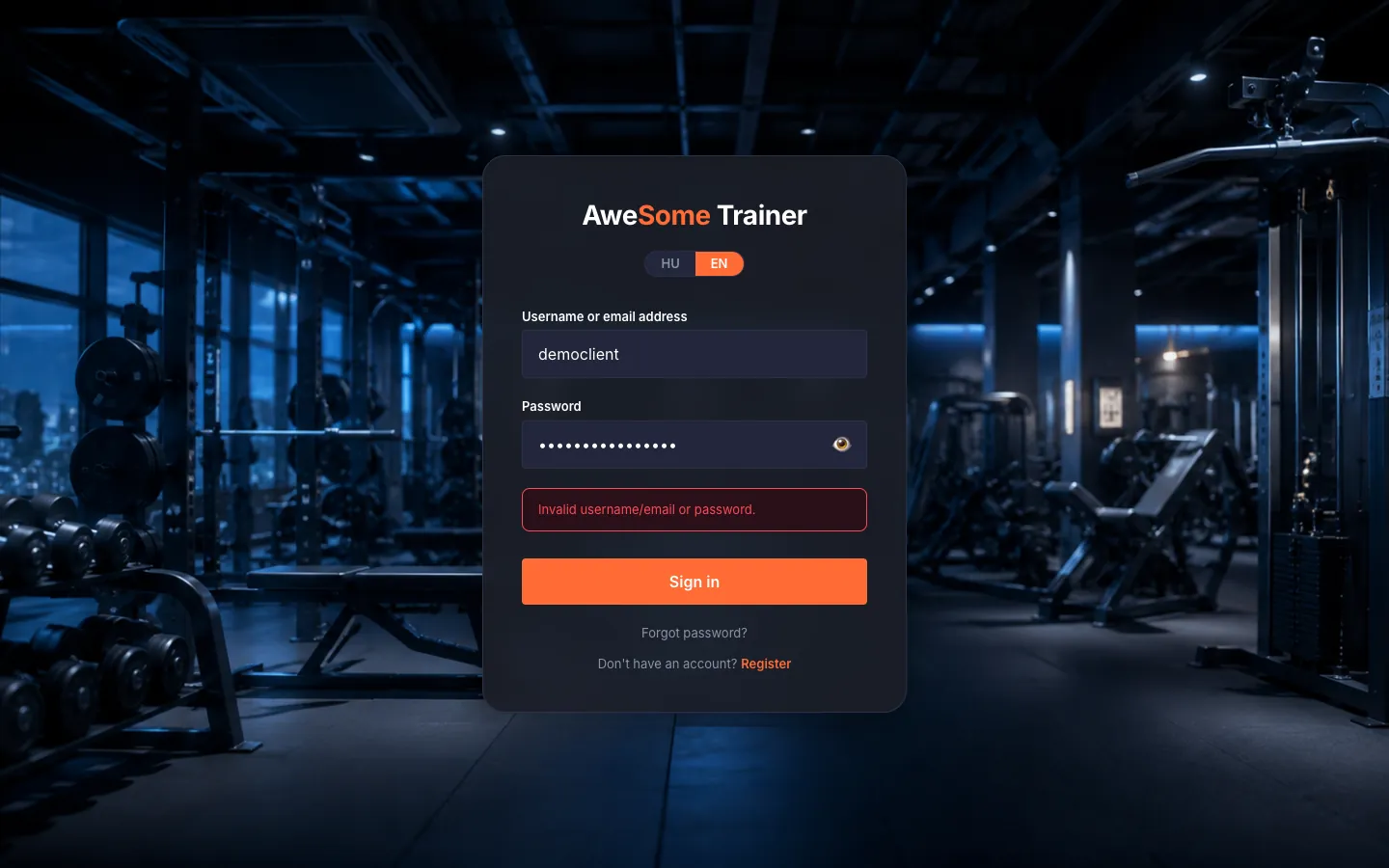
| "Invalid username/email or password." | The identifier or the password doesn't match. | Check for a typo and try again. If it still won't go, the "Forgot password?" link lets you set a new password in minutes. |
| "Please verify your email before signing in." | Your account's email address isn't verified yet. | Click "Resend verification email", then open the verification email (the spam folder is worth a look too). |
| "Too many login attempts. Please try again later." | Too many failed attempts in a short time. | Give it a few minutes, then try again — it unlocks by itself. |