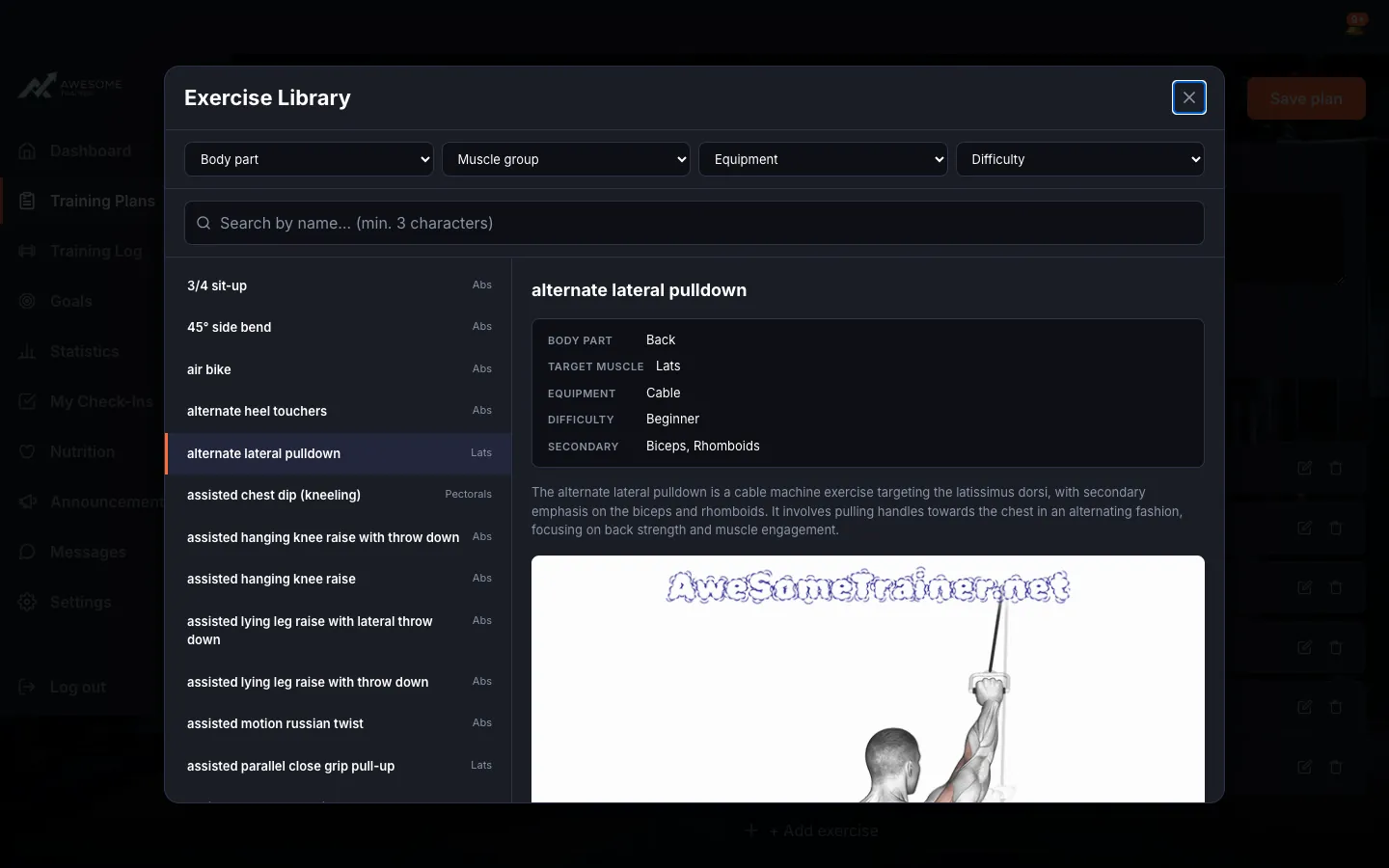
Add exercises and use the exercise library
For: Everyone
In the plan editor you can add exercises by hand or pick them from the exercise library.
Steps
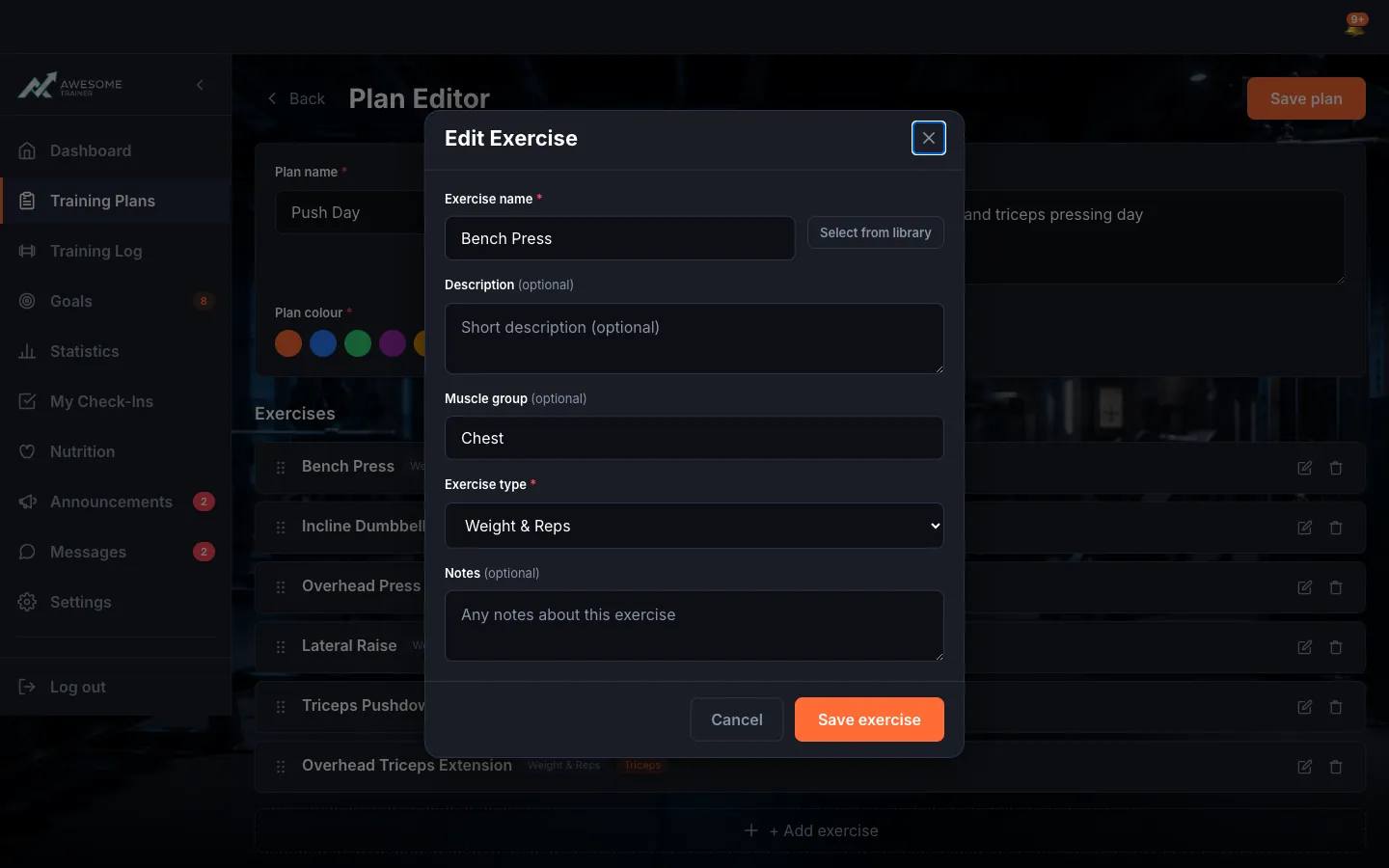
Add an exercise. "+ Add exercise" opens the exercise form: "Exercise name" (required), "Exercise type" (required), "Muscle group", "Description", "Notes". Rather not type it out? "Select from library" pulls one in from the exercise library. Finish with "Save exercise".
Browse the exercise library. In the "Exercise Library" window the search ("min. 3 characters") and the Body part/Muscle group/Equipment/Difficulty filters help you find just the right move. The chosen exercise's details (Body part, Target muscle, Equipment, Difficulty, Secondary muscles) appear on the right, and "Select exercise" drops it into your plan.