Create an account and verify your email
For: Everyone
A new account starts with accepting the Terms, then you fill in the registration form and finally verify your email address.
Before you start
- For a new account you first pass through the Terms gate (/terms) — that's where registration starts.
- Verifying your email activates your account, so don't skip that step.
Steps
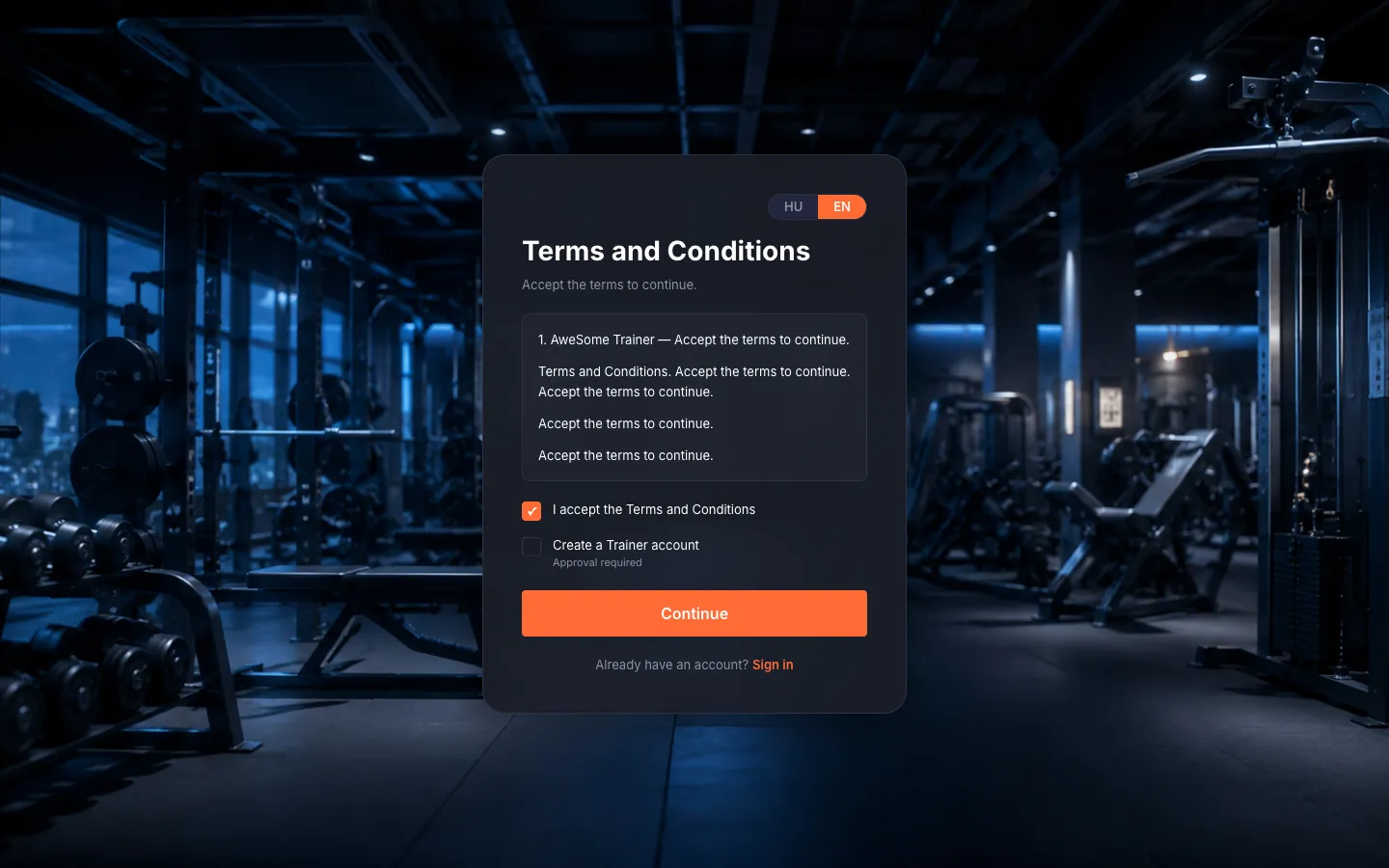
Accept the Terms. Don't have an account yet? The "Don't have an account? Register" link opens the Terms gate. Read the terms in the text box, tick "I accept the Terms and Conditions" — until you do, the "Continue" button stays disabled. Joining as a trainer? Also tick "Create a Trainer account" (that one needs approval), then "Continue".
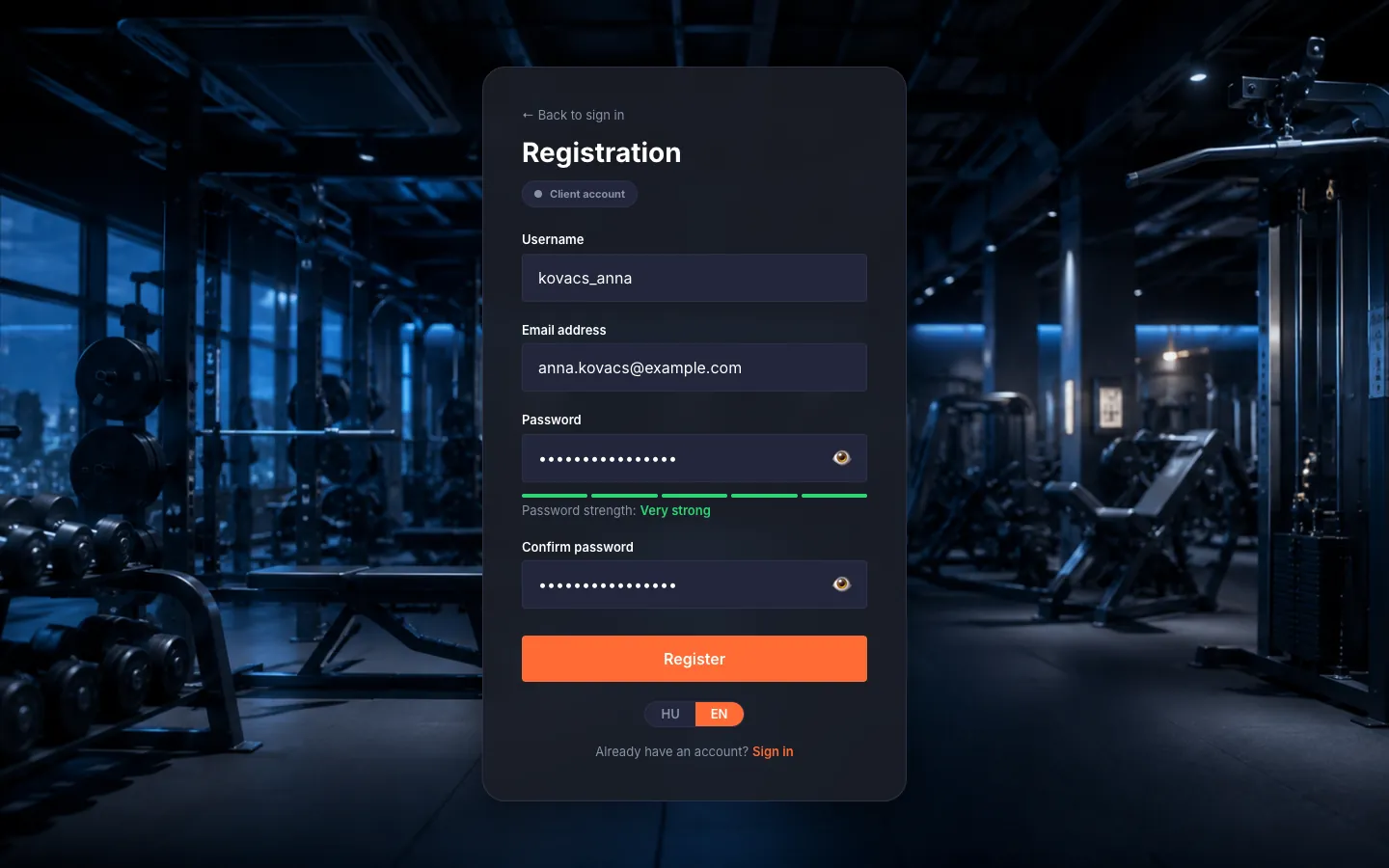
Complete registration. Fill in "Username" (3–30 characters: letters, digits, underscores), "Email address", "Password" (min. 8 characters, one uppercase, one digit — the strength indicator helps) and "Confirm password". The button reads "Register" for clients and "Apply" for trainers. As a client, all that's left is verifying your email; as a trainer an administrator reviews your application and we email you the outcome.
Verify your email. After registration we send a verification link — click it and your account activates. Didn't get it? Check the spam folder; on the "Check your email" page the "Resend verification email" button (with a short countdown) sends a fresh one. On success the "Email verified!" message greets you and you're ready to sign in.
Tips
Opening the registration page directly sends you back to the Terms gate (/terms); registration always starts there.
The password reset link lives for 1 hour and the verification link is time-limited too — if one expires, request a new one with a single click.
Troubleshooting
| Symptom | Cause | Fix |
|---|---|---|
| "Please verify your email before signing in." | Your account's email address isn't verified yet. | Click "Resend verification email", then open the verification email (the spam folder is worth a look too). |