Trainer registration and approval
For: Trainer
You create a trainer account through the same registration flow as clients, but an administrator approves your account.
Before you start
- For a new account you first pass through the Terms gate (/terms) — that's where registration starts.
Steps
Accept the Terms and tick the trainer account option. On the login screen the "Don't have an account? Register" link opens the Terms gate. Read the terms, tick "I accept the Terms and Conditions", tick "Create a Trainer account" (that one needs approval), then "Continue".
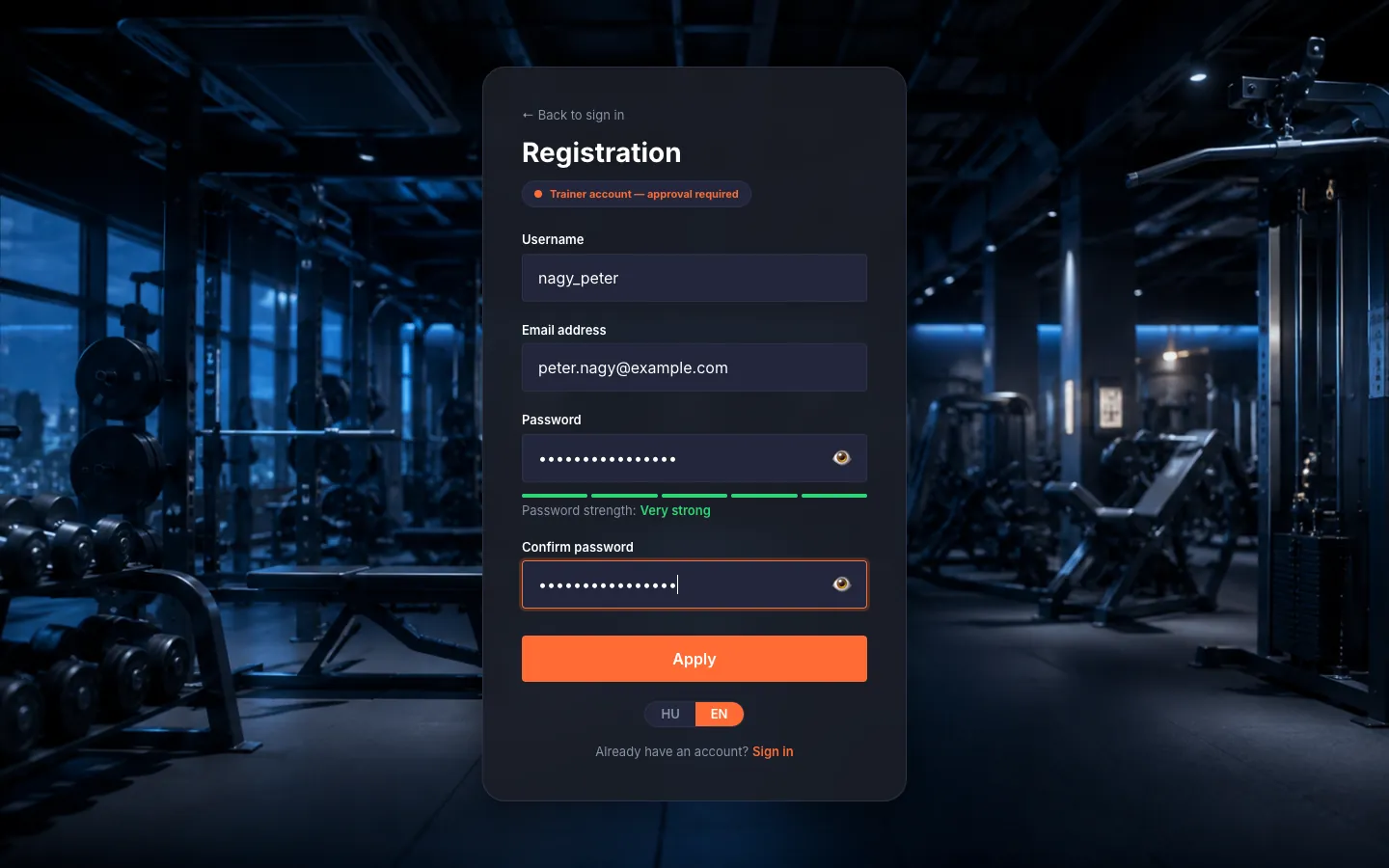
Fill in the application. Fill in "Username" (3–30 characters: letters, digits, underscores), "Email address", "Password" (min. 8 characters, one uppercase, one digit) and "Confirm password". As a trainer the button reads "Apply".
Wait for approval. An administrator reviews your application and we email you the outcome.
Tips
Opening the registration page directly sends you back to the Terms gate (/terms); registration always starts there.