Reset a forgotten password
For: Everyone
If you can't remember your password, request a reset link by email and set a new password.
Steps
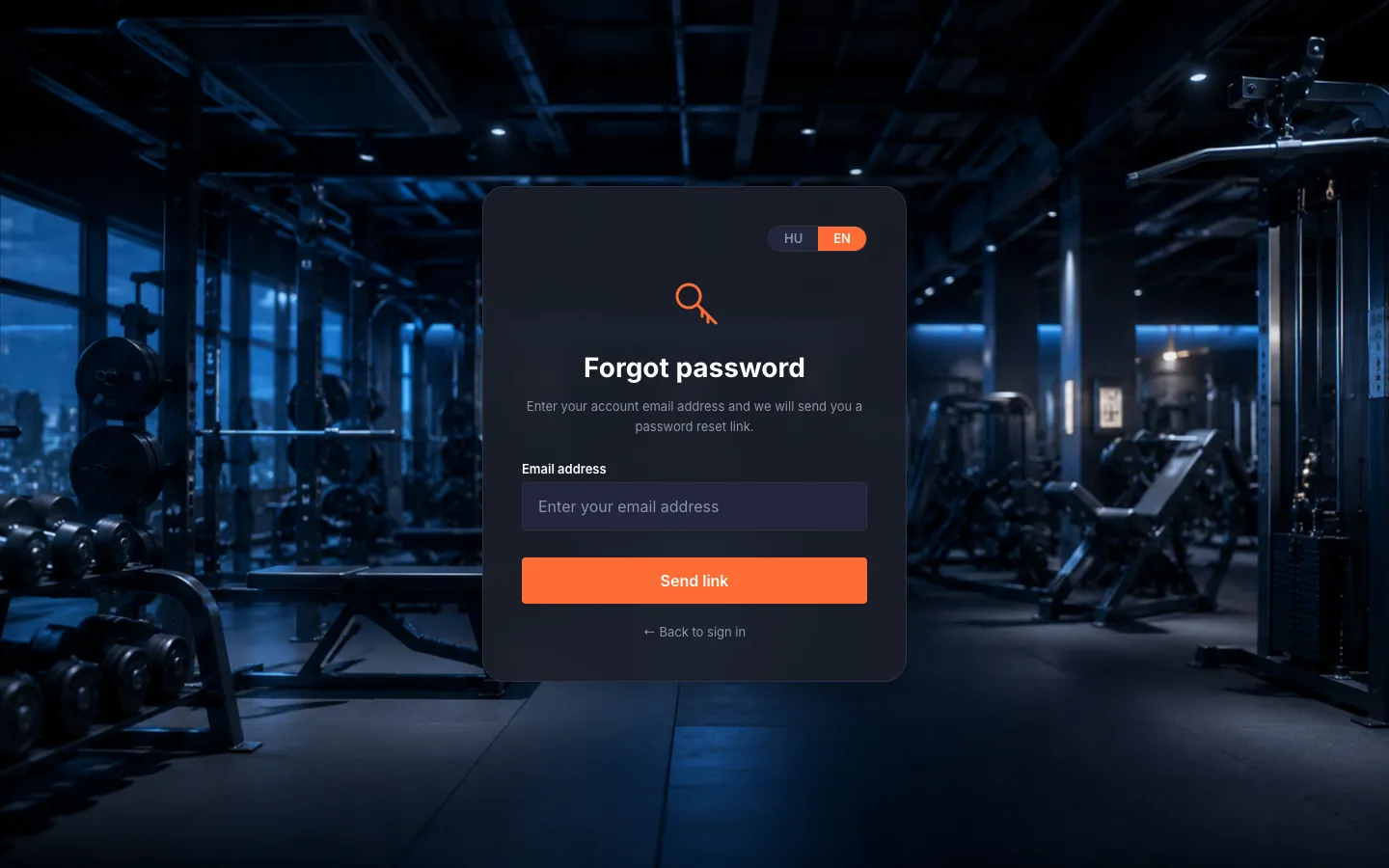
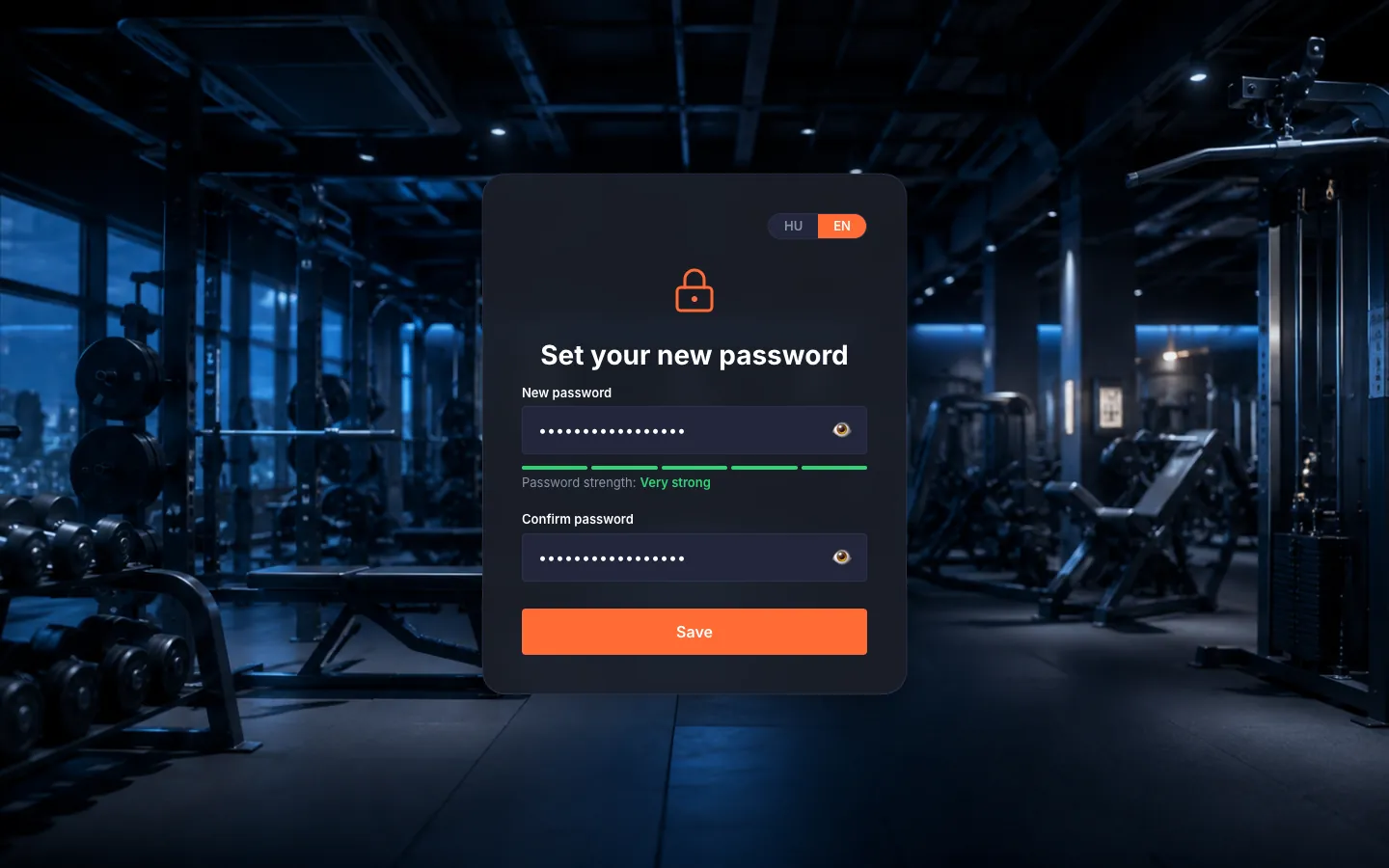
Reset a forgotten password. On the "Forgot password?" link enter your email address, then "Send link". You'll see "Check your inbox!" — shown even if no such account exists, for your privacy. The link in the email opens the "Reset Password" page, where you set a new password and "Save" it.
Tips
The password reset link lives for 1 hour and the verification link is time-limited too — if one expires, request a new one with a single click.
Troubleshooting
| Symptom | Cause | Fix |
|---|---|---|
| "Link expired or invalid" on password reset. | The reset link expired (1 hour) or you already used it. | Click "Request new link" and start a fresh reset. |
| "Invalid username/email or password." | The identifier or the password doesn't match. | Check for a typo and try again. If it still won't go, the "Forgot password?" link lets you set a new password in minutes. |