Change your password
For: Everyone
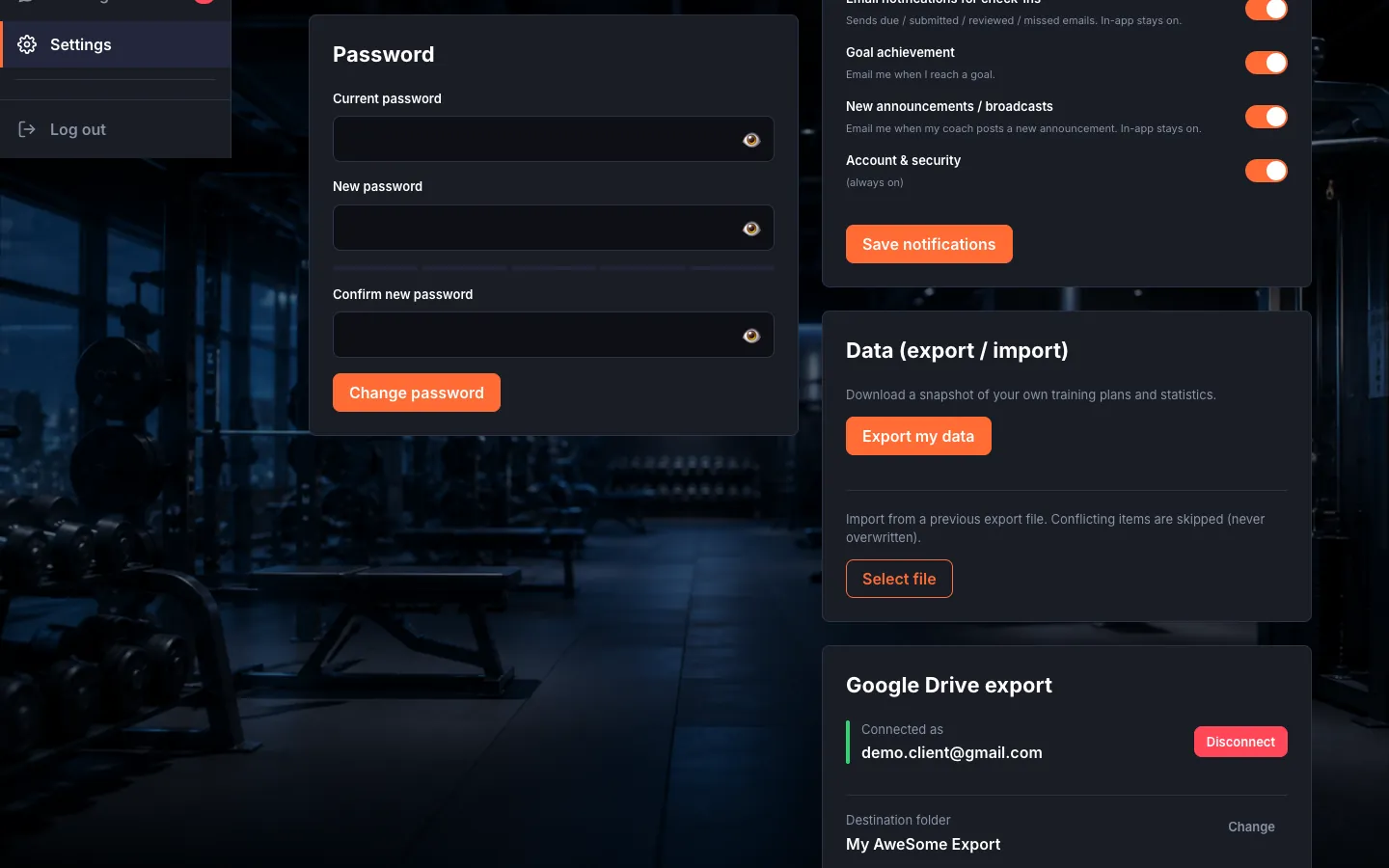
While signed in, you set a new password on the "Password" card in Settings.
Before you start
- Where to find it: the Settings page (/client/settings, /trainer/settings, /settings).
Steps
Change your password. On the "Password" card fill in the "Current password", "New password" and "Confirm new password" fields, then "Change password". On success: "Password updated." — for security you'll need to sign in again afterward.
Troubleshooting
| Symptom | Cause | Fix |
|---|---|---|
| "The current password is incorrect." / "The new password must differ from the current one." | Wrong password, or one identical to the current one. | Enter the current password correctly and choose a different new password. |