Delete your account
For: Everyone
You can permanently delete your account on the Settings page.
Before you start
- Where to find it: the Settings page (/client/settings, /trainer/settings, /settings).
Steps
Delete your account. The "Delete account" section warns you up front that your account and all your data will be permanently, irreversibly deleted (as a trainer, your assigned clients aren't deleted — they're just unassigned from you). The "Delete account" button opens the confirmation.
Confirm the deletion. In the "Delete account?" dialog you see the consequences, confirm with your current password, then "Yes, delete my account". Once it's done you're taken to login with the "Your account and all data have been permanently deleted." message.
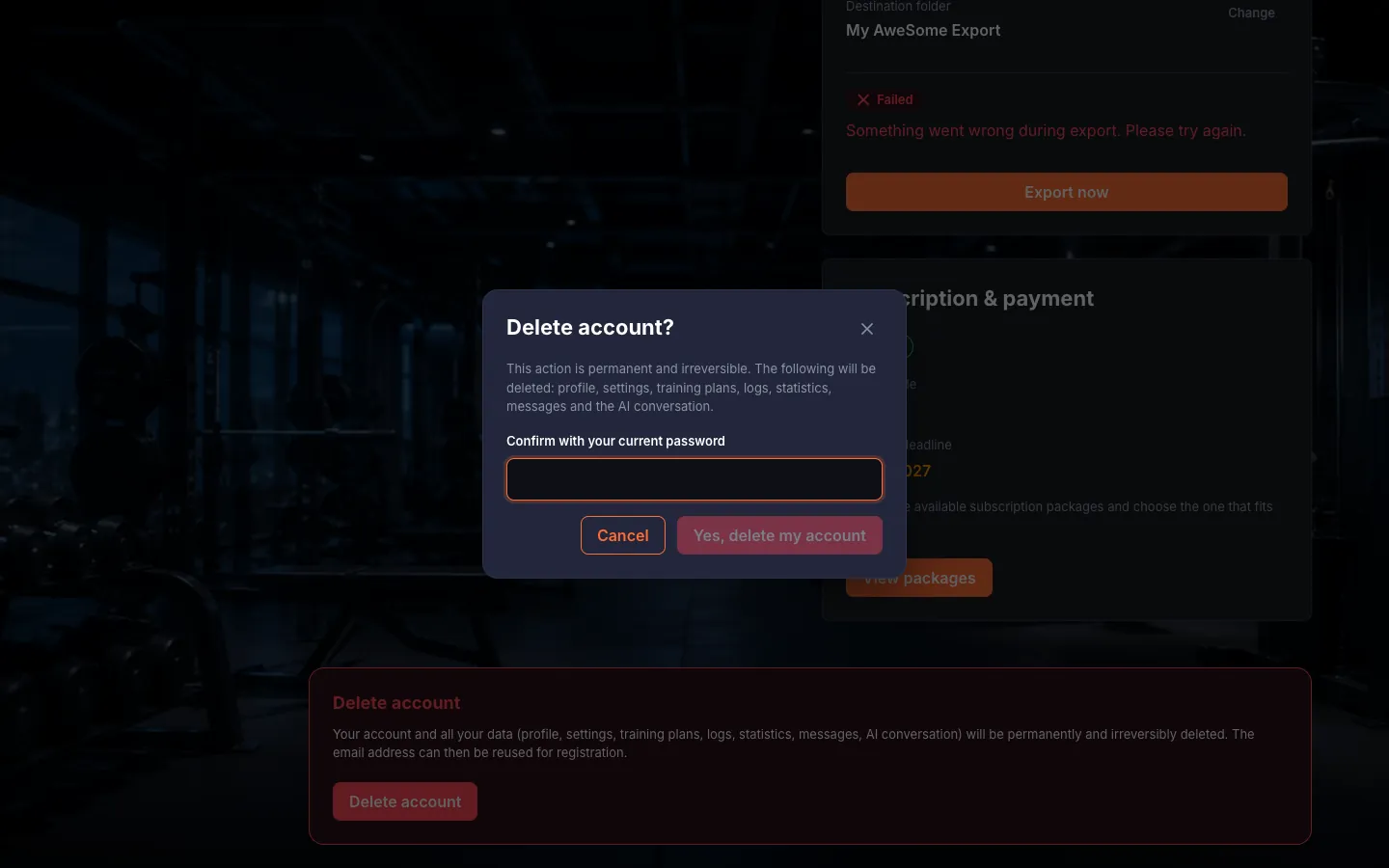
Deleting your account is permanent and can't be undone; as a trainer, your clients don't disappear — they're just unlinked from you.
Troubleshooting
| Symptom | Cause | Fix |
|---|---|---|
| "Incorrect password." when deleting the account | Wrong password in the confirmation field. | Enter your current password in the "Confirm with your current password" field. |