Who's available? — the presence indicator
For: Everyone
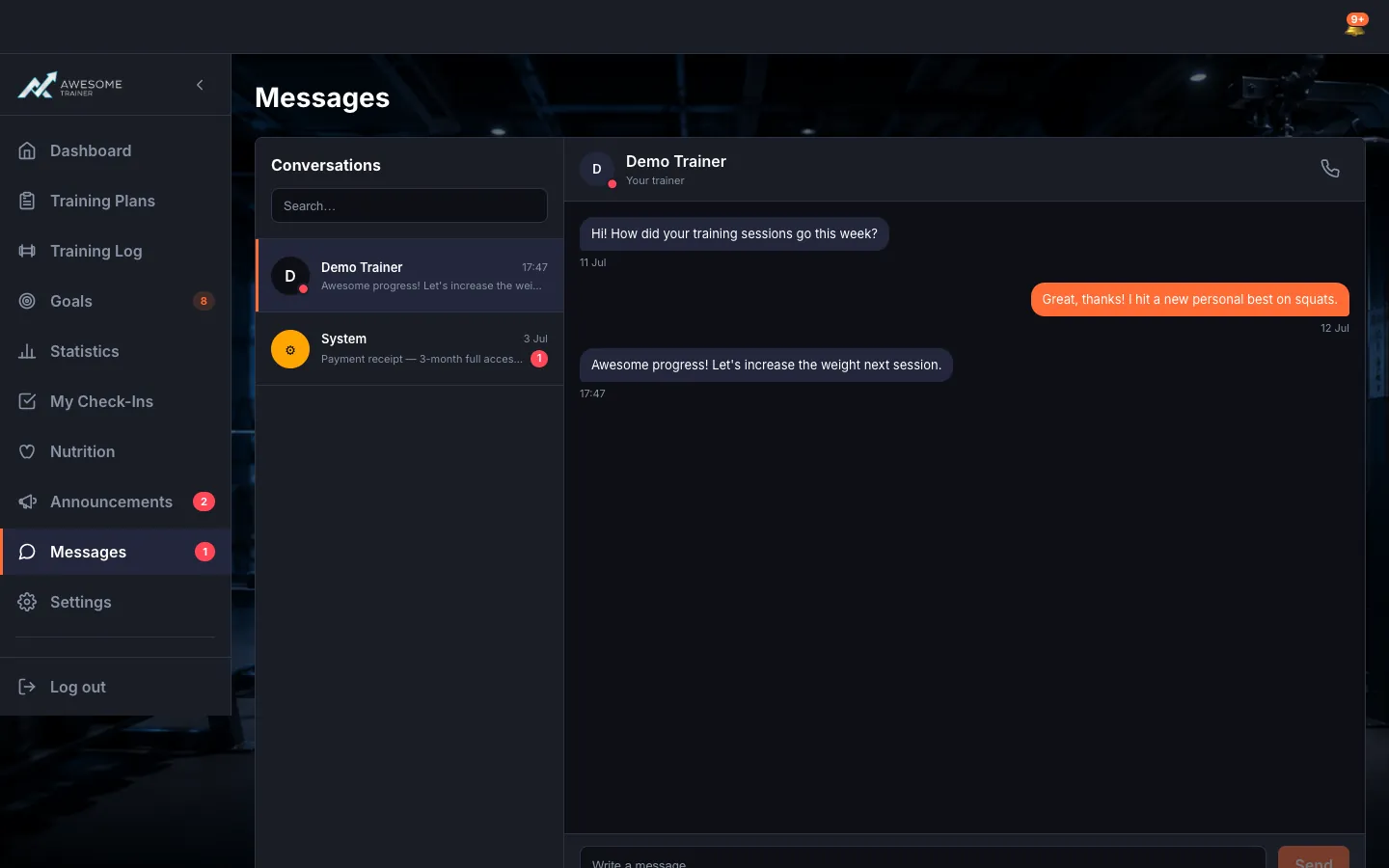
The small coloured dot next to names and avatars shows who is available right now.
Before you start
- Where to find it: the presence dot next to users' names or avatars (e.g. Messages, Manage clients).
Steps
See who's available. The small colored dot next to a name or avatar updates in real time. Its tooltip tells you "Online", "Away" or "Offline" ("Status unknown" while loading), so a glance shows you who you can reach right now.
Tips
The presence indicator lets you see who's available before you even start a call or message — so you're not knocking on an empty door.
Troubleshooting
| Symptom | Cause | Fix |
|---|---|---|
| The dot shows "Status unknown". | Presence data is still loading. | Give it a moment for the real-time refresh — "Online" / "Away" / "Offline" appears right after. |