Change the language
For: Everyone
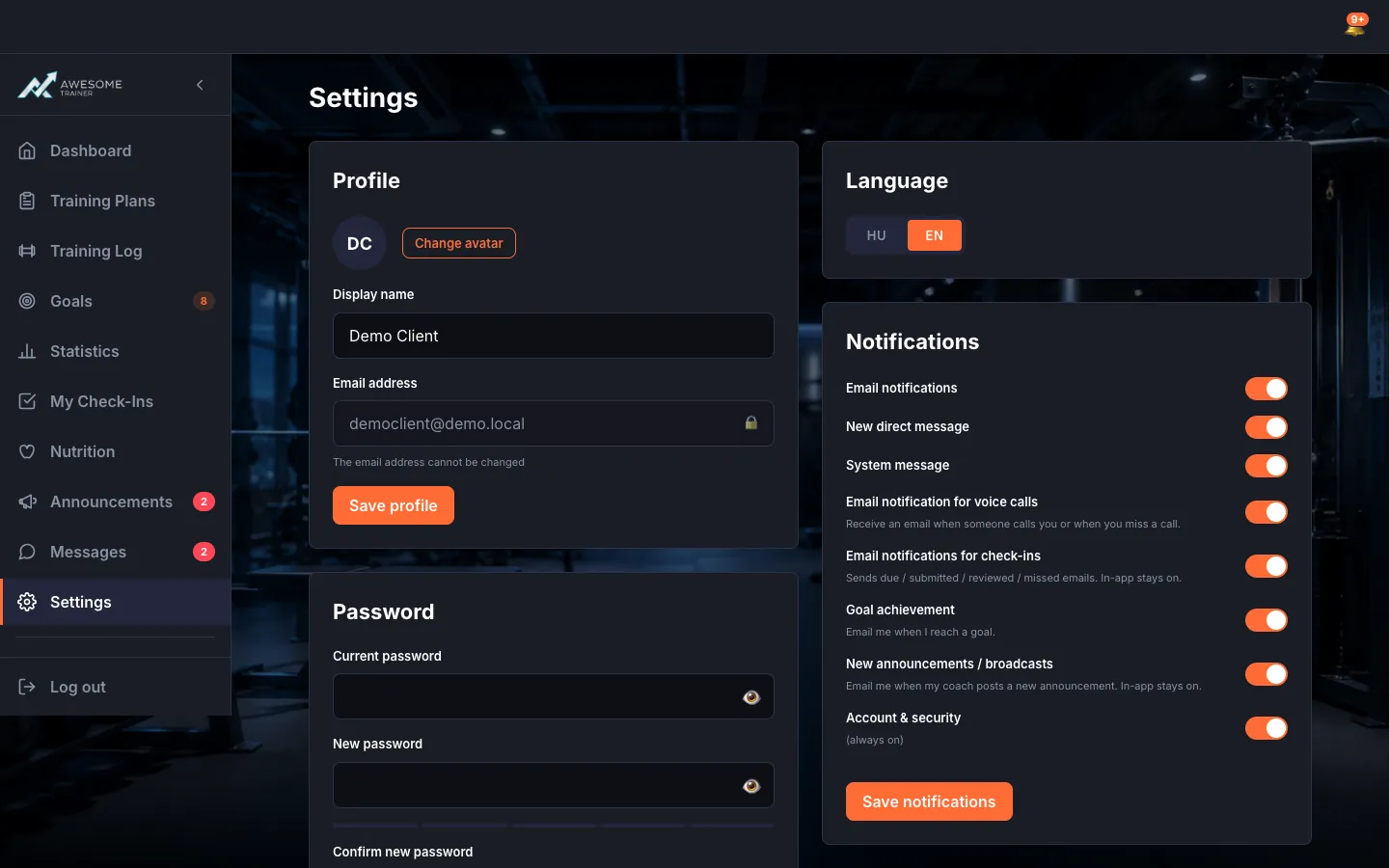
The app works in Hungarian and English; you can switch the language at any time.
Before you start
- Where to find it: the Settings page (/client/settings, /trainer/settings, /settings).
Steps
Switch the language. On the "Language" card you pick the interface language (HU / EN). As soon as you switch: "Language updated."
Frequently asked question
Is it available in Hungarian and English?
Yes, the entire product is bilingual (HU/EN). You can switch languages anytime, and trainer and client can even use different languages.