Switch package type
For: Everyone
If you switch to a different package type, the app warns you, because your remaining time is not added to the new one.
Steps
Switching package type (warning). If you pick a different package type than your current one, a warning appears: "Switching package type" — "You chose a different package type than your current one. The remaining time is NOT added — it is overwritten by the new subscription." Alongside the "CURRENT" / "NEW" comparison sit the "Cancel" and "Continue to payment" buttons.
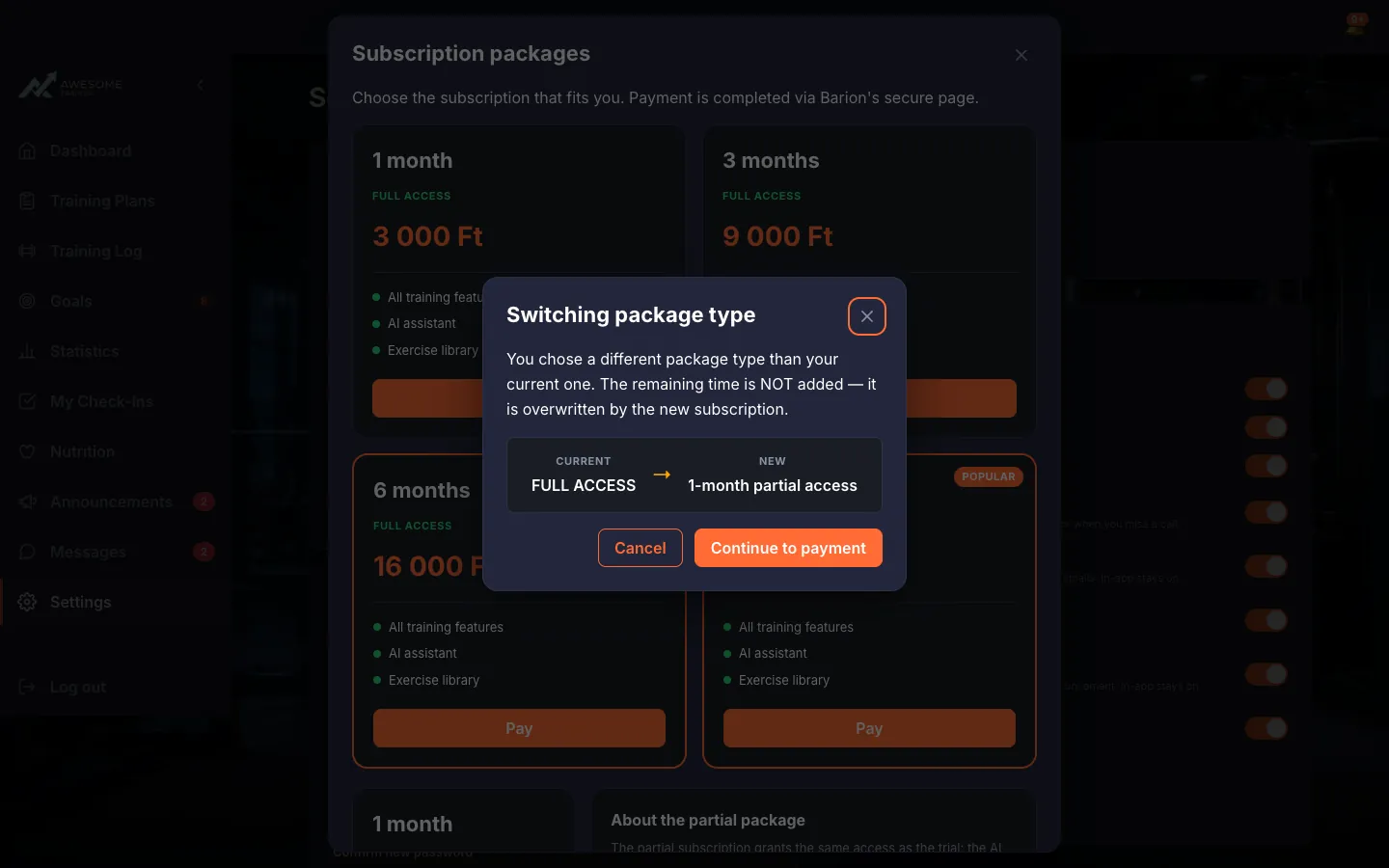
When you switch package type, the remaining time is overwritten, not added.
Tips
The partial package grants the same access as the free period — skim the features before you switch.
When you switch package type the remaining time is overwritten, not added — weigh that before "Continue to payment".