Choose a package and pay
For: Everyone
How you handle your subscription: when your free period ends, you pick a package and pay via Barion's secure page. You can check the details anytime in Settings.
Before you start
- Where to find it: when the free period ends, the full-screen "Packages" gate (/packages), or the Settings "Subscription & payment" section.
- When the free period ends, the account enters the NORIGHTS state and, for a while, only the package chooser page is available.
- Payment always goes through Barion's secure page — you don't hand card details to the app.
Steps
Packages gate (NORIGHTS). When your free period ends, you land on a full-screen gate. The banner explains: "Your trial has ended — your account is currently in the NORIGHTS state." — "Choose a subscription to continue. Until you have an active subscription, only this page is available." The heading reads "Choose a package" (as a trainer, "Choose a trainer package"), and "Log out" sits at the top.
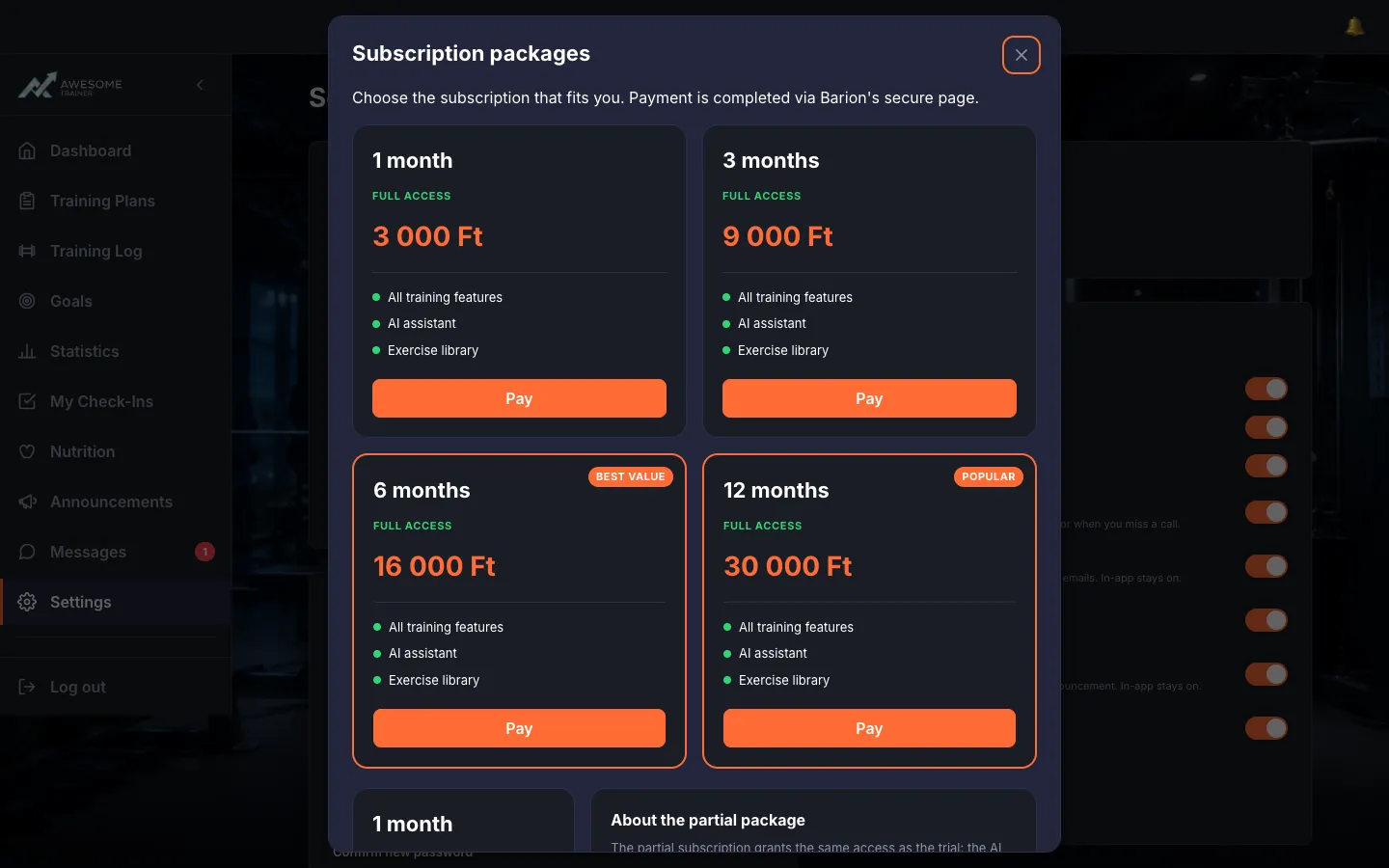
Choose a package. The "Subscription packages" cards put everything in front of you: the duration ("… months"), the type ("FULL ACCESS" or "PARTIAL"), the features (All training features, AI assistant, Exercise library, Core features…), sometimes a "BEST VALUE" or "POPULAR" ribbon, and the "Pay" button. You complete the payment on Barion's secure page.
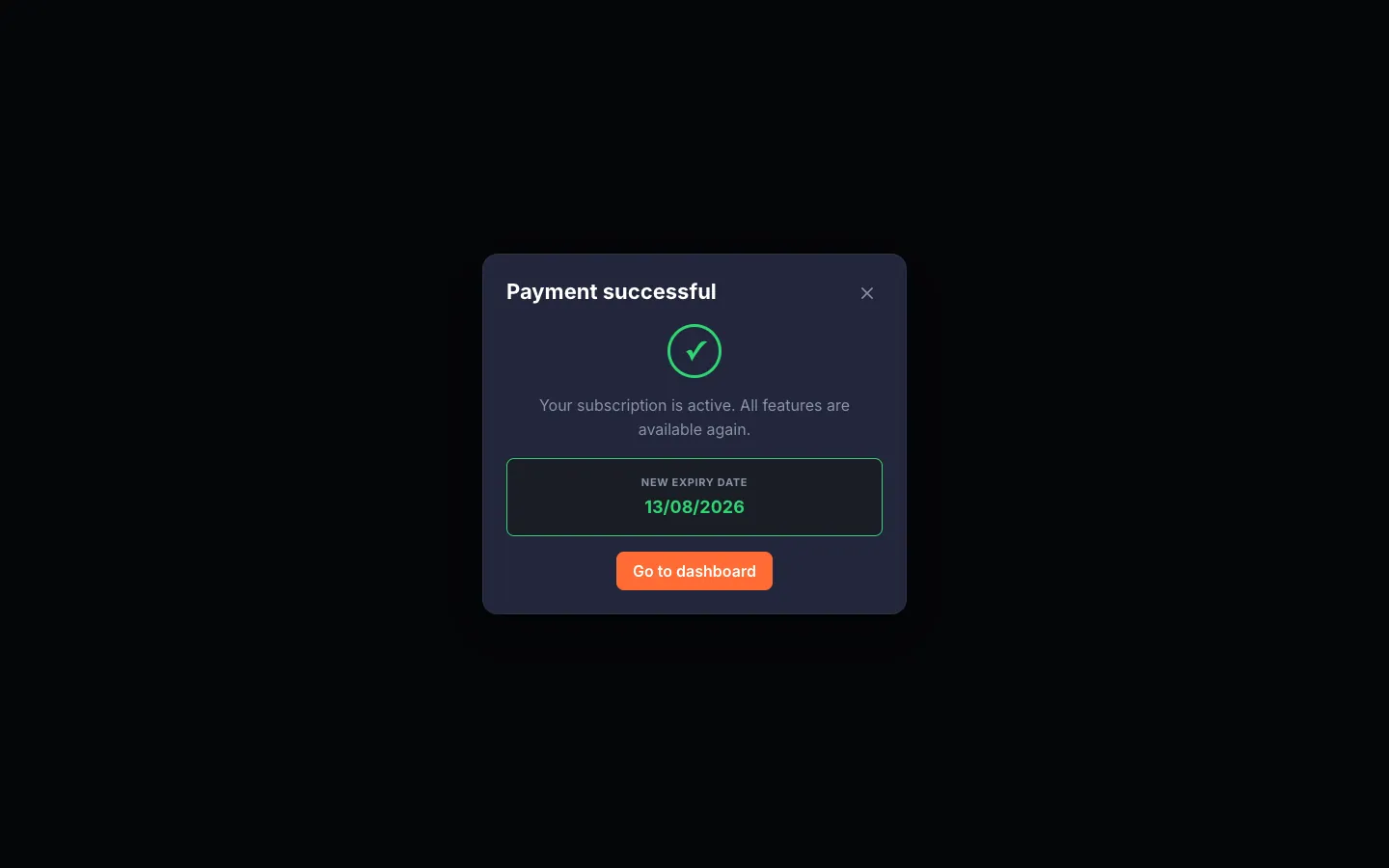
Payment successful. After Barion, the browser returns to /payment/return, where the system verifies the payment ("Verifying your payment — We're confirming your payment with Barion. This only takes a moment."). On success: "Payment successful" — "Your subscription is active. All features are available again." + "New expiry date" and "Go to dashboard".
Payment failed. If the transaction was cancelled or declined: "Payment failed" — "The transaction was cancelled or declined. No charge was made…" From here, "Try again" or "Back to packages".
Subscription in Settings. The Settings "Subscription & payment" section sums it up: your "Current role", the "Payment deadline" (or "No deadline while you have a paying client"), the TRIAL/ACTIVE badge, and the "View packages" button.
Frequently asked question
How is my card data stored?
The site does not store your card data. It uses the Barion payment system and complies with Barion's and the EU's guidelines. You enter your details in Barion's system; the app only receives a notification that the payment was made.
Troubleshooting
| Symptom | Cause | Fix |
|---|---|---|
| "We couldn't load the packages. Please try again." | Temporary load error. | Reload the page, or try again a little later. |
| "There are no packages available right now." | No packages are published at the moment. | Contact your trainer or the operator, and try again later. |
| "Payment failed" — no charge was made | The transaction was cancelled or declined. | Tap "Try again", or head back to the packages. |
| "Still processing" | Barion's confirmation is taking longer than expected. | Wait a moment — the system re-verifies the payment on its own. |